Profiling
Profiling helps identify slow operations while you work. Enable it only for diagnosis: operations normally run more slowly during profiling, and recording uses additional disk space. For diagnostic error logs, see Logging.
Record a slow operation
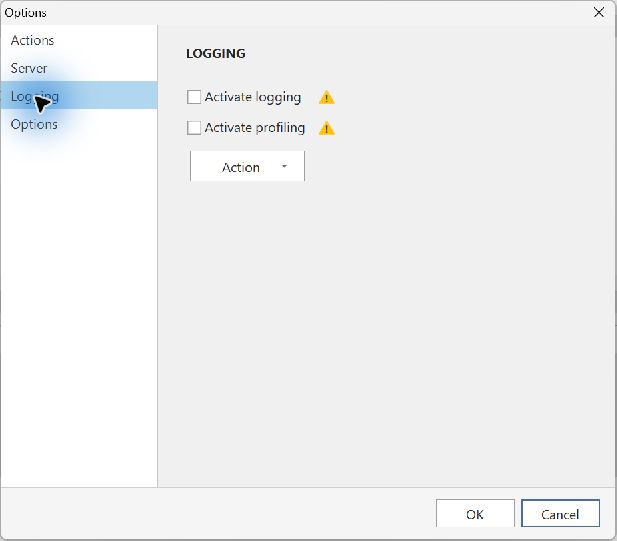
- In the Windows application, open Manage → Options → Logging.
- Enable profiling, close the options dialog and restart when prompted. The application may download the profiling module when first enabled.
- Work for several minutes, especially with the operations that felt slow.
- Disable profiling and restart again to stop recording.
Send the recording
Return to the logging page and use its action menu to send the files. In the information-sending dialog, enter your email address and the steps that were slow. Selecting Send transmits the diagnostic files to support.