Actions
Open Manage → Options → Actions in the Windows application. Select an action and use the button below the list to run it. The available actions depend on whether a project is open, its configuration and your role.
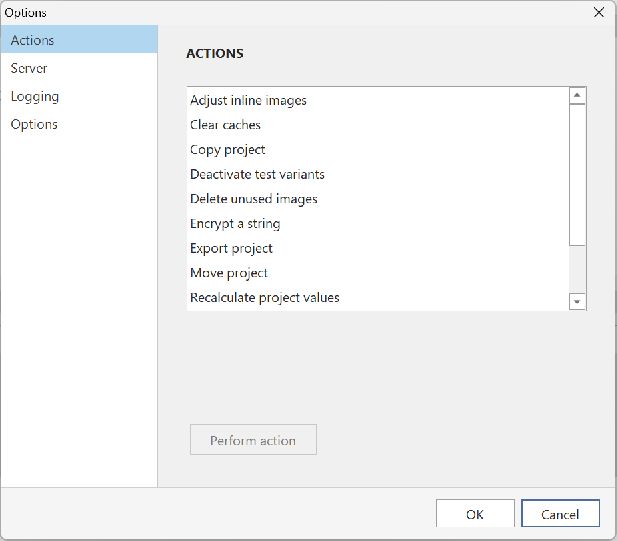
Recalculate project values
This action rebuilds calculated values in the current project's database. Use it when dashboard totals or aggregate status indicators appear inconsistent.
Depending on project size, recalculation may take several hours. The action shows its progress and can be cancelled.
For other actions, see Export and copy projects and Move a project's database.